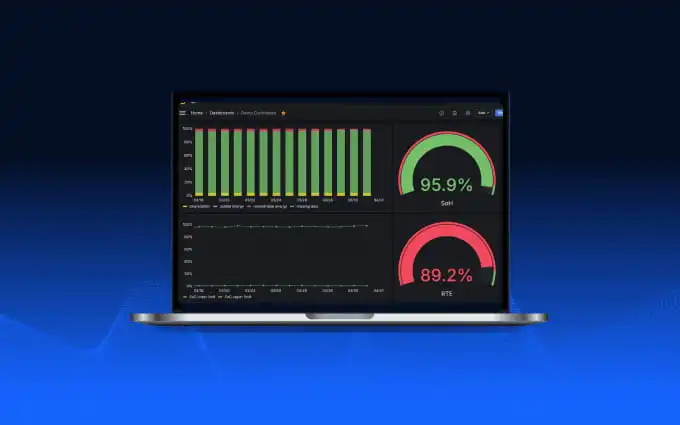
Centralize Your BESS Error Codes to Simplify Operations
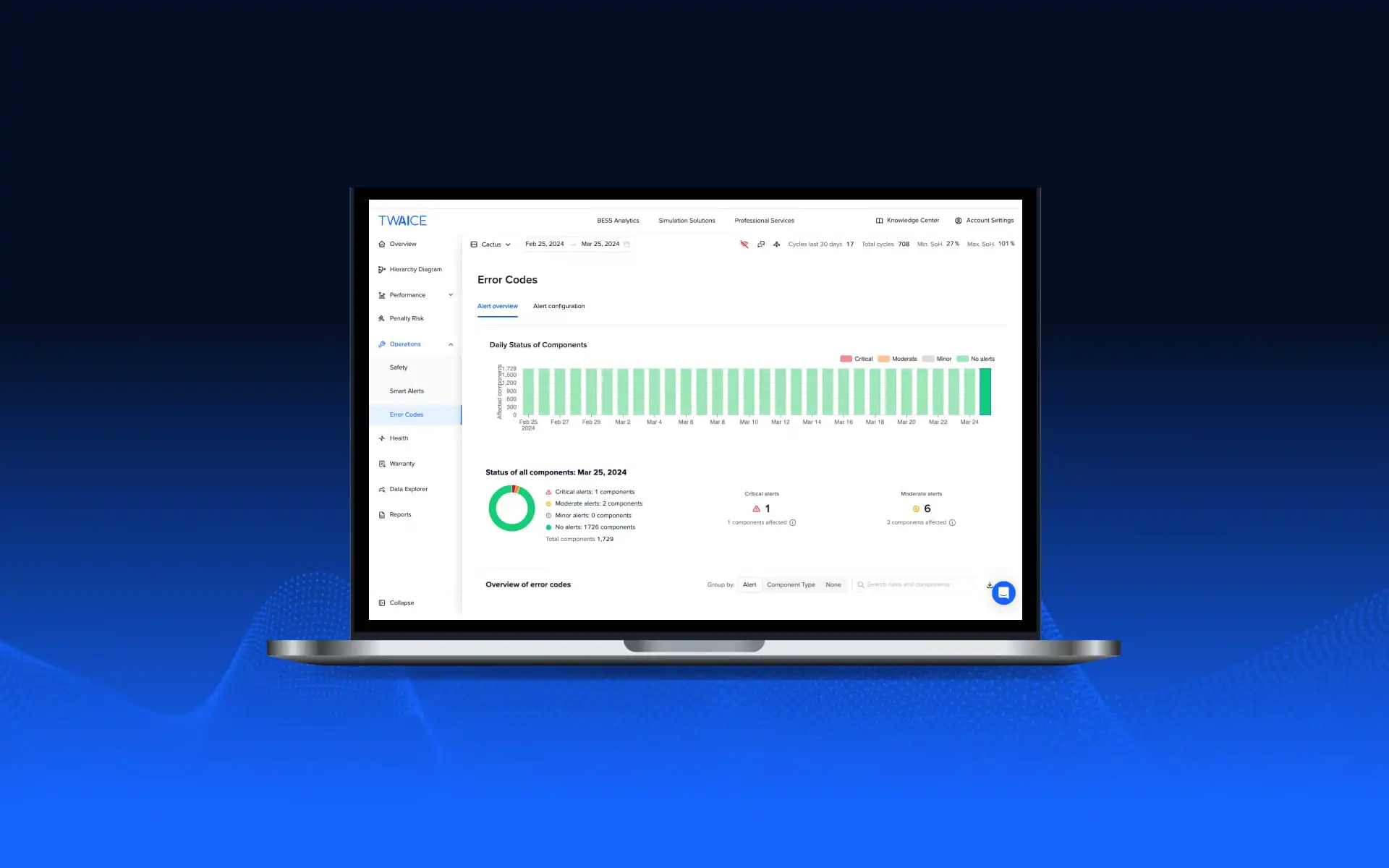
Error codes are generated across multiple BESS subsystems, but making sense of them at scale is challenging. TWAICE’s new Error Codes feature pulls together native component errors (e.g. from BMS, PCS and HVAC) into a single, structured view – helping teams prioritize issues, spot patterns, and process error codes faster.
Error Codes Are Everywhere – Insights Are Not
Battery energy storage systems are made up of an eco-system of tools and technologies – from the battery management system (BMS), energy management system (EMS), power conversion system (PCS), auxiliary components, and more. Each of these systems generates its own error codes and alerts.
As BESS portfolios grow, teams are faced with increasing volumes of error information. Understanding what is really happening inside a system often requires jumping between platforms and manually correlating alerts, especially if issues span multiple components.
The latest BESS Pros Survey highlights how complex BESS operations have become in practice:
- Most professionals rely on multiple tools to manage and operate their BESS assets (78% of survey respondents use 2 or more tools)
- A majority (59%) cite incident investigation and root-cause analysis as particularly time-consuming.
This reflects a common reality in day-to-day operations. Data and alerts are available, but turning them into clear, actionable insights requires significant manual effort. This is the gap Error Codes is designed to address.
Why Seeing Error Codes Isn’t the Same As Understanding Them
SCADA systems are typically shown as flat, chronological alarm lists. While this makes it possible to acknowledge alarms, it is much harder to answer questions such as:
- Is this alert recurring or a one-off event?
- Is the issue escalating over time?
- Are multiple errors affecting the same component?
- Does this require immediate action, or can it wait?
As portfolios scale, this often leads to alert fatigue and reactive firefighting rather than proactive maintenance.
Turn Error Codes into Operational Clarity
Error codes alone rarely tell the whole story. A single code might not be critical, but repeated occurrences, combinations of codes, or long-lasting issues often are.
With TWAICE’s new feature, Error Codes, operators can add this missing context. Error Codes transform raw system error messages into a structured overview that supports day-to-day operational decisions:
- Prioritize what matters as you can categorize error codes based on severity
- Understand patterns and trends by tracking how error codes develop over time
- Identify affected components quickly by grouping related errors at a string-or component- level
This helps teams focus their attention where it is most needed, avoid alert fatigue and address issues before they escalate into downtime or safety risks.
Error Codes is particularly useful for operations and O&M teams managing day-to-day issues, while also giving technical asset managers the context they need to understand recurring problems and system behavior.
A Typical Daily Workflow With TWAICE
For many operations teams, a typical day starts with a quick health check of the portfolio.
With TWAICE, this workflow becomes structured:
You begin in the Hierarchy Diagram to get a system-wide overview and see whether any components are affected
From there, Error Codes give you immediate visibility into what the system is reporting — across BMS, PCS, and other subsystems — in one consolidated view.
If further context is needed, Smart Alerts highlight threshold-based issues and calculated KPIs, while Safety Assessment detects anomalies that may indicate emerging risks.
And when deeper investigation is required, the Data Explorer allows you to analyze historical data without rebuilding your workflow from scratch.
Instead of switching between multiple tools, exporting logs, and correlating alarms manually, teams can move from detection to decision within one connected environment.
One Structured View Across Platforms
By consolidating error codes from multiple subsystems into a single, structured view, Error Codes help BESS teams reduce investigation time and make better decisions.
Rather than reacting to individual alarms, asset and operations teams gain the context they need to decide what requires immediate action, what can be monitored, and what should be escalated to suppliers.
Interested in learning more? Sign up for a weekly live demo.
Sign up for the next live group demo and learn how TWAICE can transform your BESS operations. In just 30 minutes, you’ll get a demo of key features and use cases, and engage with our product experts for a live Q&A.
.webp)